

Description
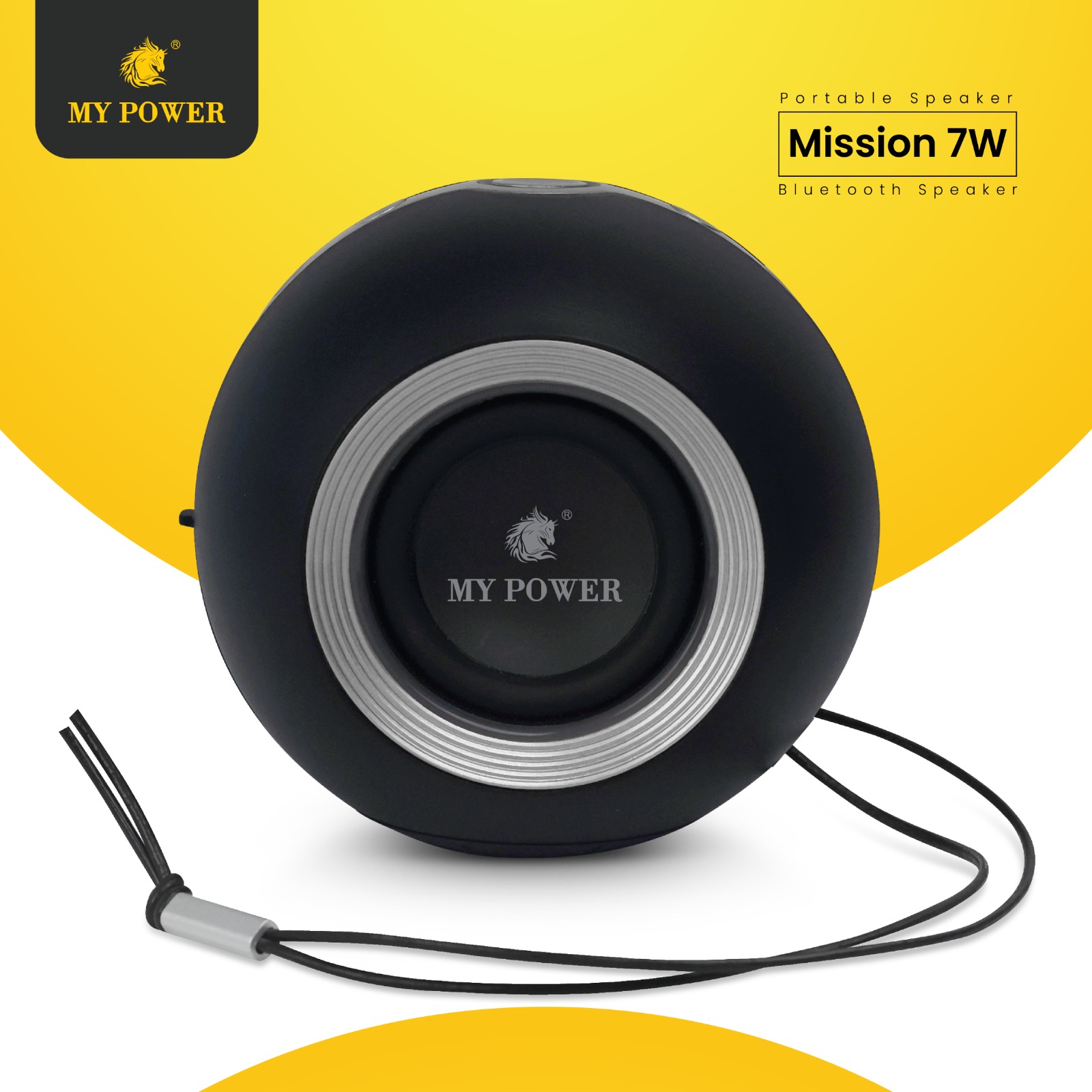
Instructions for Use
Bluetooth Operation
1. Long press on Power button to turn on the speaker
2. The speaker will default into Bluetooth mode when first turned on.
3. Tum on the Bluetooth setting of your device and search the pairing name “Mission-7W”
4. Music is ready to play after paired.
Button and Function: Power on/off : long press on Power Button.
-
For volume up : long press On Plus(+) Button
-
For volume Down : long press On Minus(-) Button
-
For Next Song : Single click On Plus(+) Button
-
For Previous Song : Single click On Minus(-) Button
-
For Play / Pause :Single Click on play button
-
For Bluetooth disconnect / Connect : Press twice Play/Pause button
TF Operation
-
Insert TF, speaker will play the music directly.
-
Please don’t take out TF card while playing otherwise, TF card will be damaged
Aux In Operation
Press Power button to AUX-IN mode.
-
Insert AUX-IN cable and connect to your device to play music.
Radio Operation
Press Power button to FM Radio mode
-
Long pressing Play/Pause button to run auto scan.
-
Press-” or “+”to select the saved channel under automatic scan
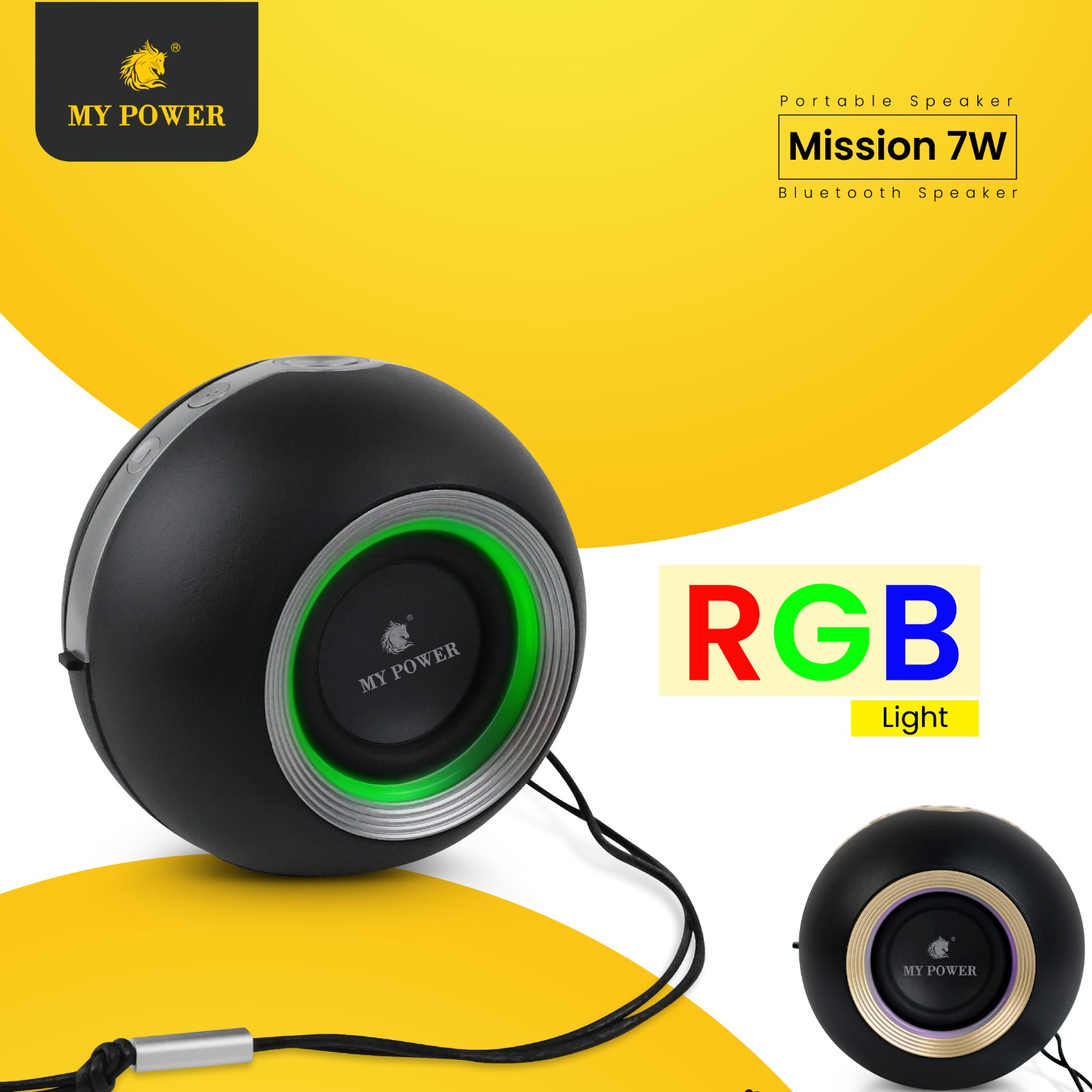
RGB Lighting Operation
The speaker will be default without lighting.
-
Press the Lighting button to shift into slow breating mode.
-
Press the Lighting button to shift into medium breathing mode.
-
Press the Lighting button to shift into fast breathing mode.
-
Press Lighting again to change to white light color to select single color breathing. single light sequence: White – Blue Red Green-Yellow-Pink-Light Blue, then press again to turn off the light.
TWS Operation
Turn on two Mission-7W units and make sure without connecting other devices keep pressing Play/Pause to TWS mode, then the two units will be paired, there is tone after paired successful.
-
Using your device to search the pairing name “Mission-7W”, music is ready to play for the two units together after paired.


Reviews
There are no reviews yet